Howto: Geolocation for Fail2ban
source: fail2ban.org
Using geolocation to locate your attackers.
I use fail2ban on my servers to protect them from would-be attackers, if you don’t your either insanely nieve to the fact that somebody wants in your system, or your just wanting to see if you can get hacked. Most of the attackers I would assume are just after another « bot » in their « net », or maybe a place to host files.
Durzo hosts a script that allows you to log the attacks on you into a mysql database with geocoding, I thought this would be cool to use as I could see from where I was being attacked. I then got this working and another script to display the table in a web page so I could view the data easily.
I then found some scripts from Google to pull data from MySQL in a geolocation table and generate an XML file used to import into Google Maps. With some tweaking and customizing, I now have a map with the geolocation data as markers on the map. Not all the markers are right on a building, but they are close enough for me to see the areas from which attacks are coming.
Now on to the good stuff… Lire la suite…


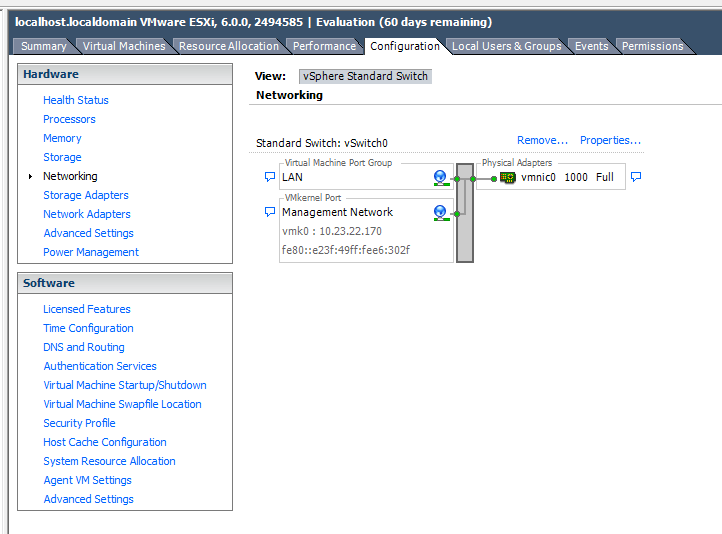
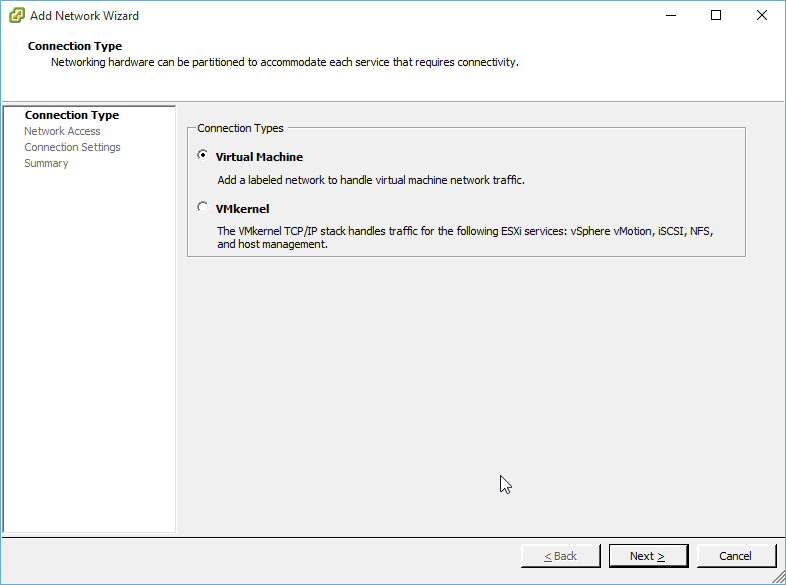
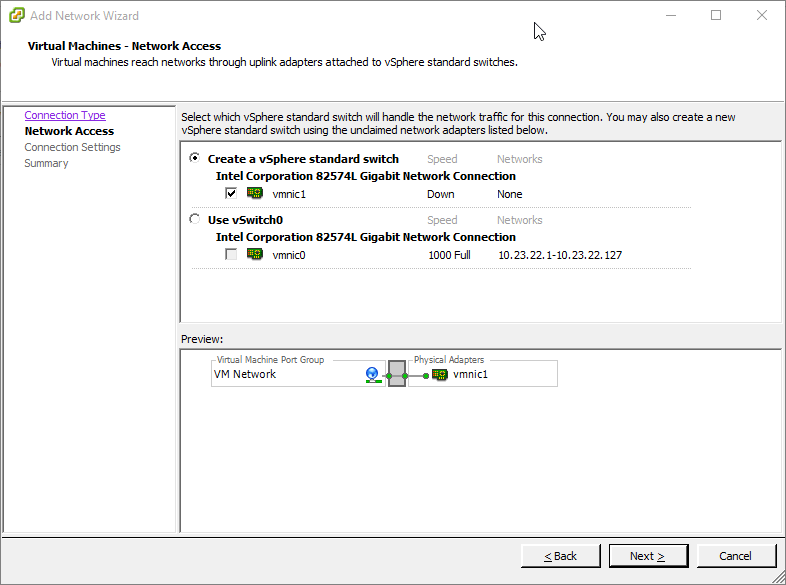
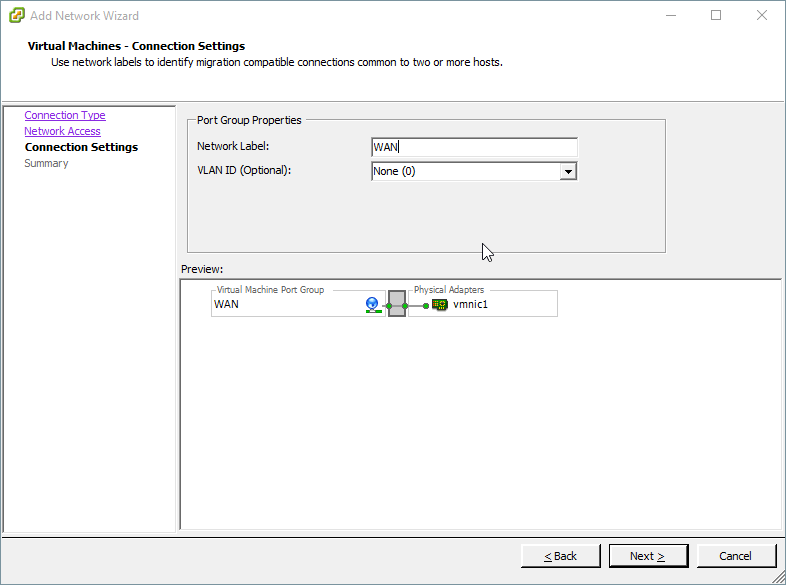
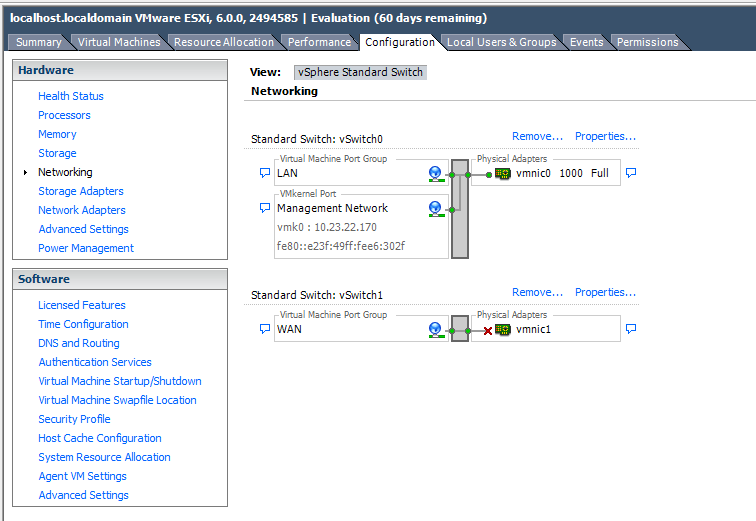
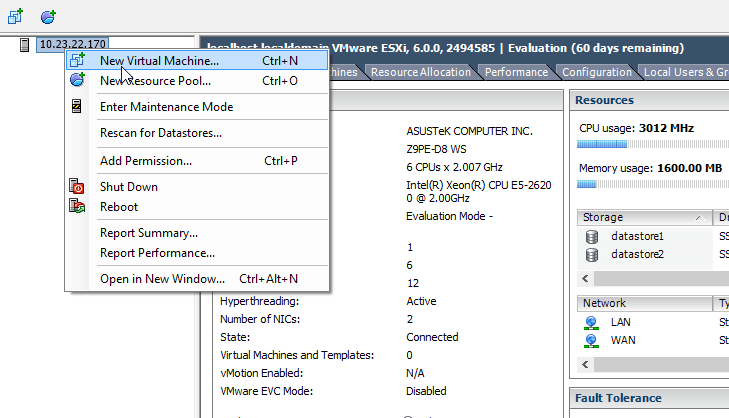
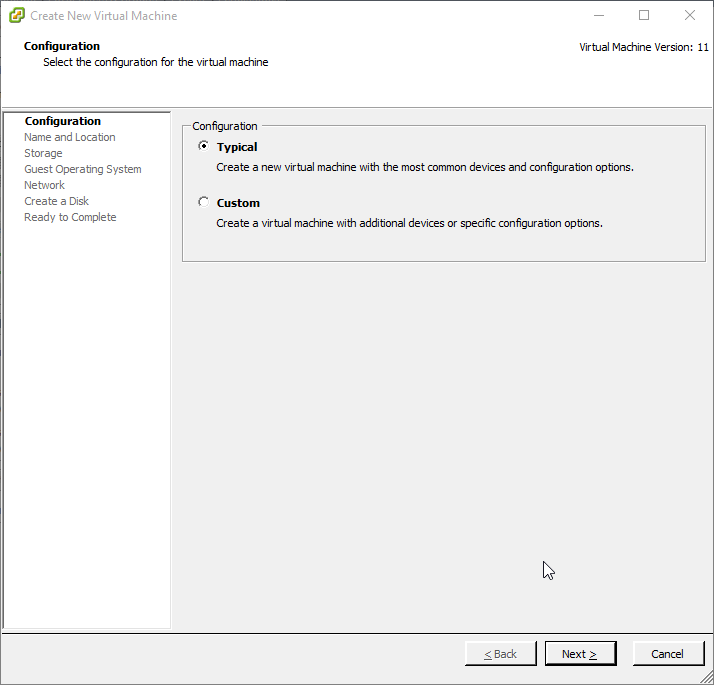
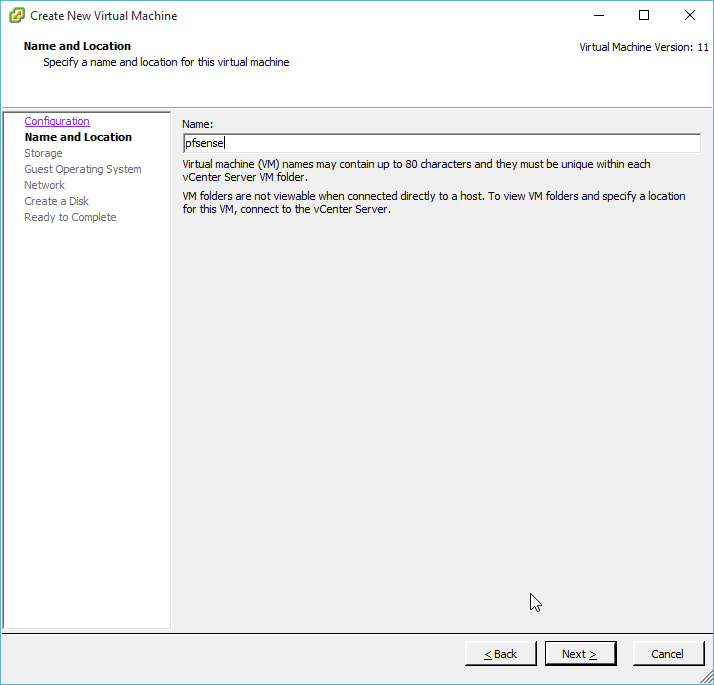
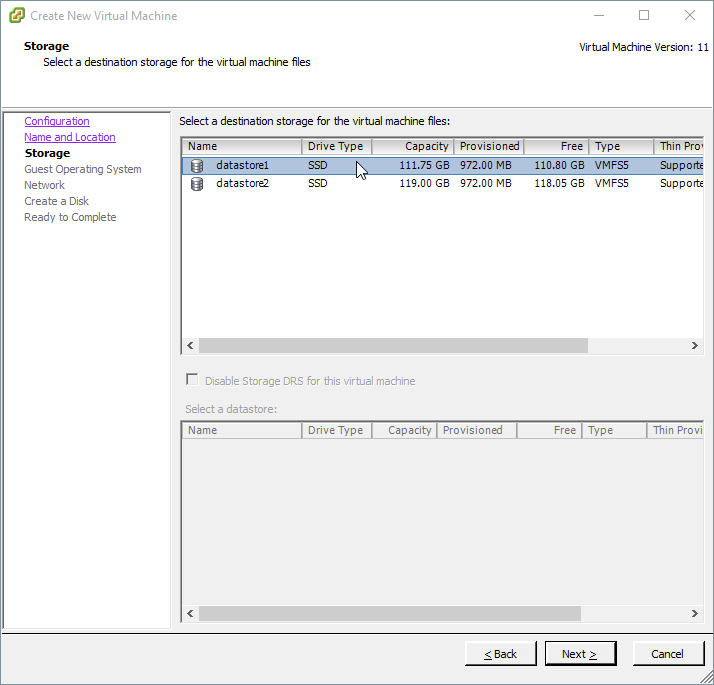
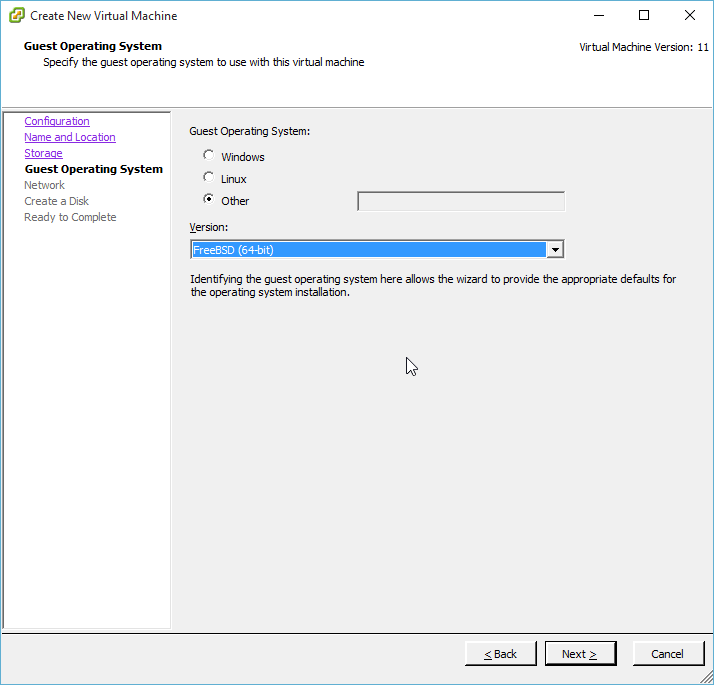
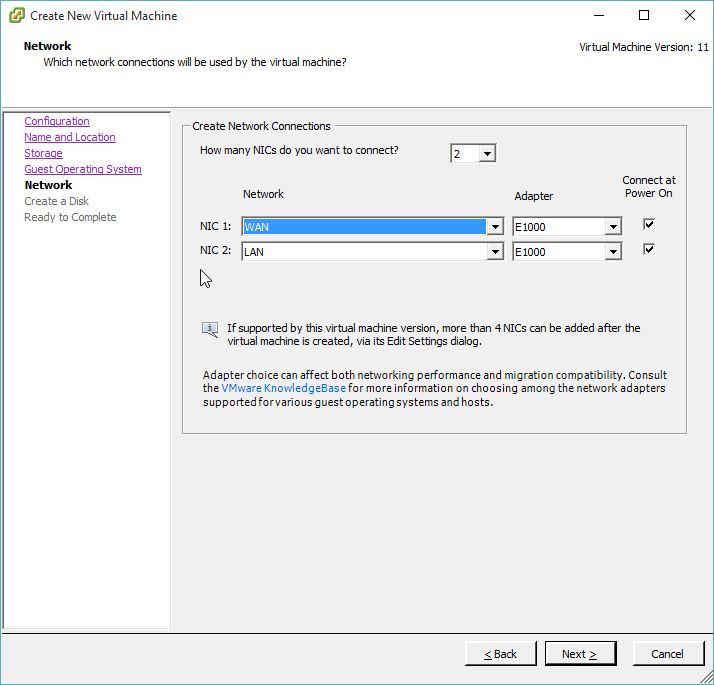
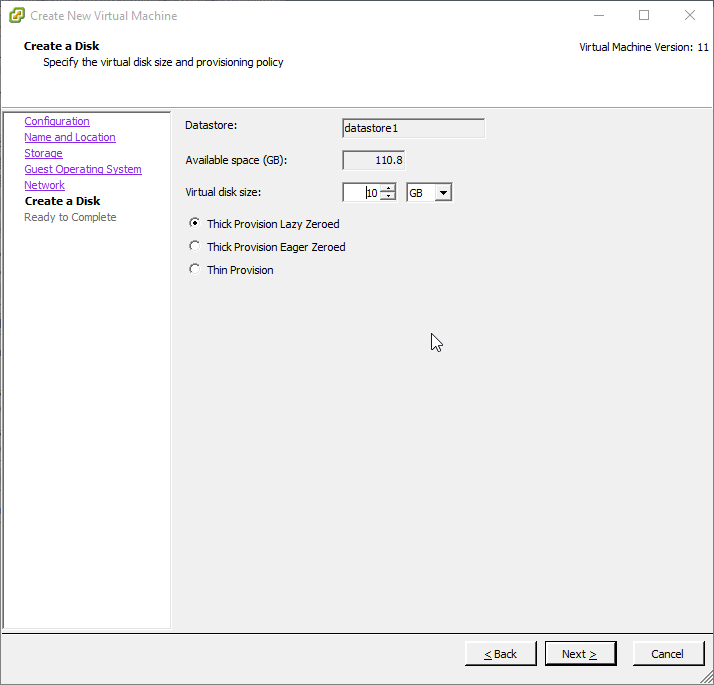
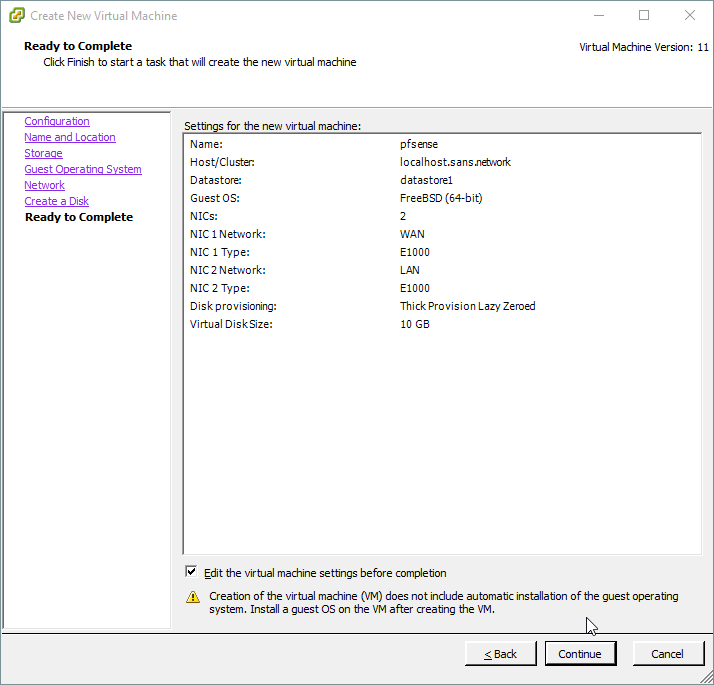
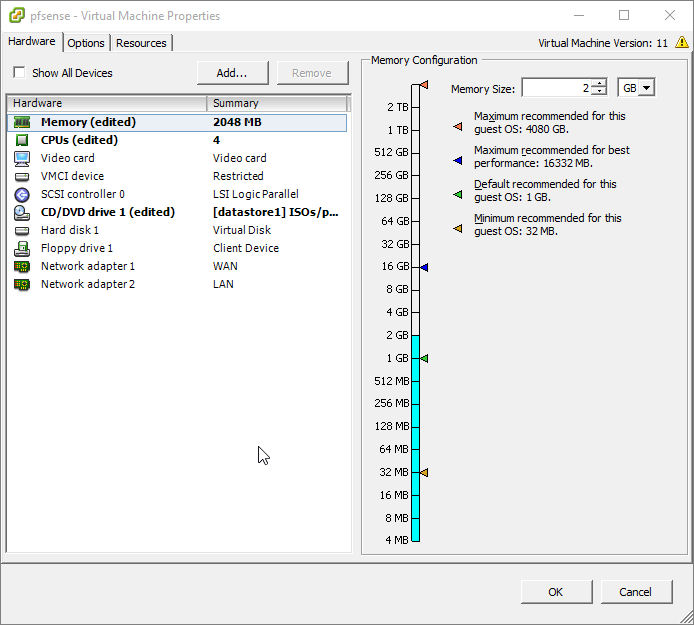
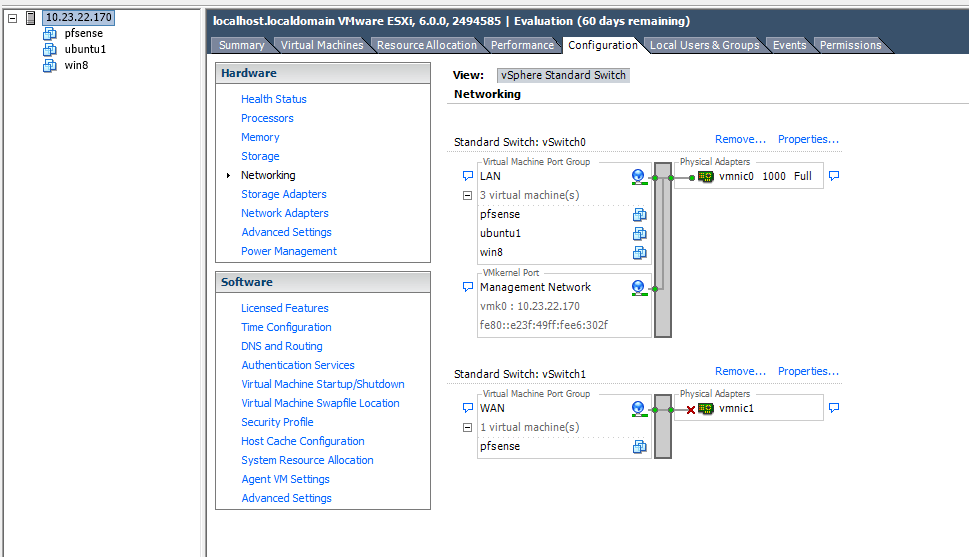
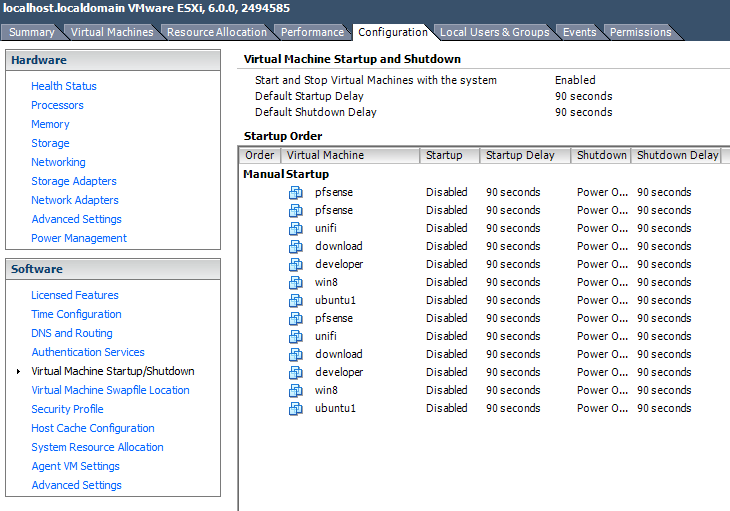

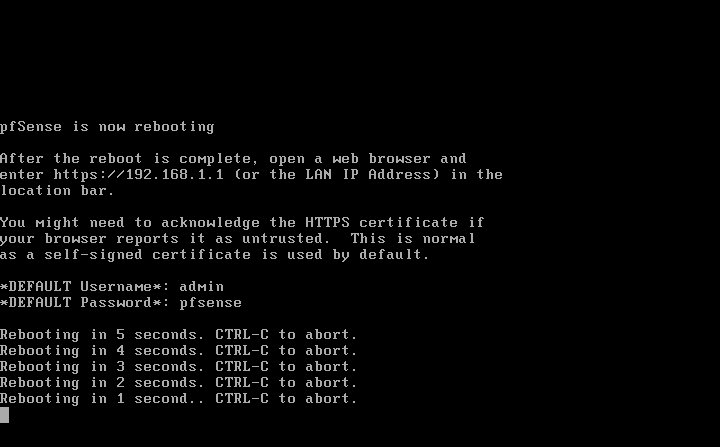
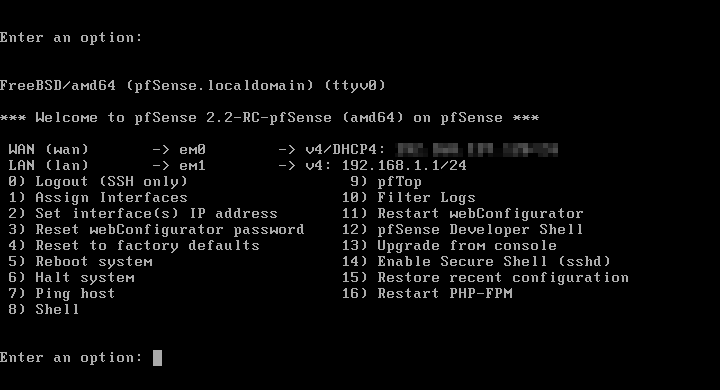
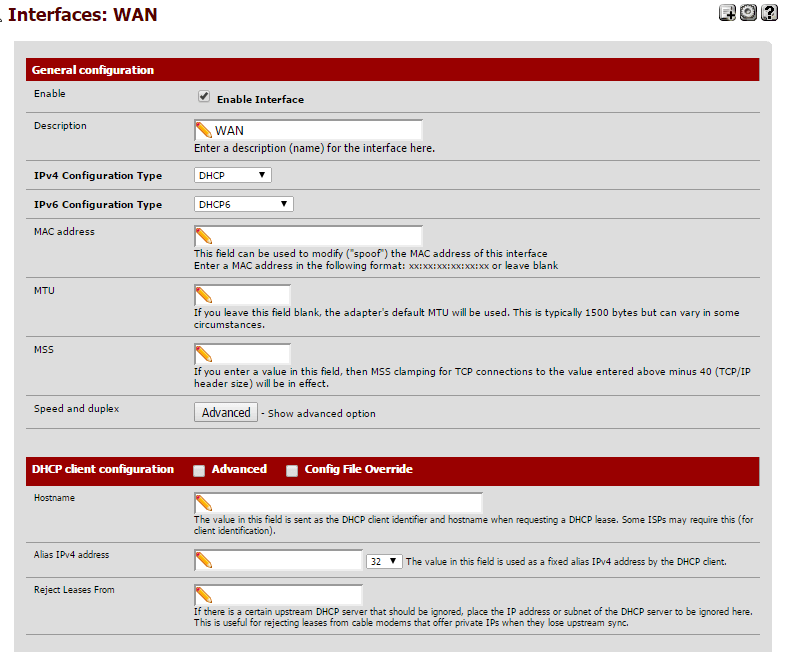
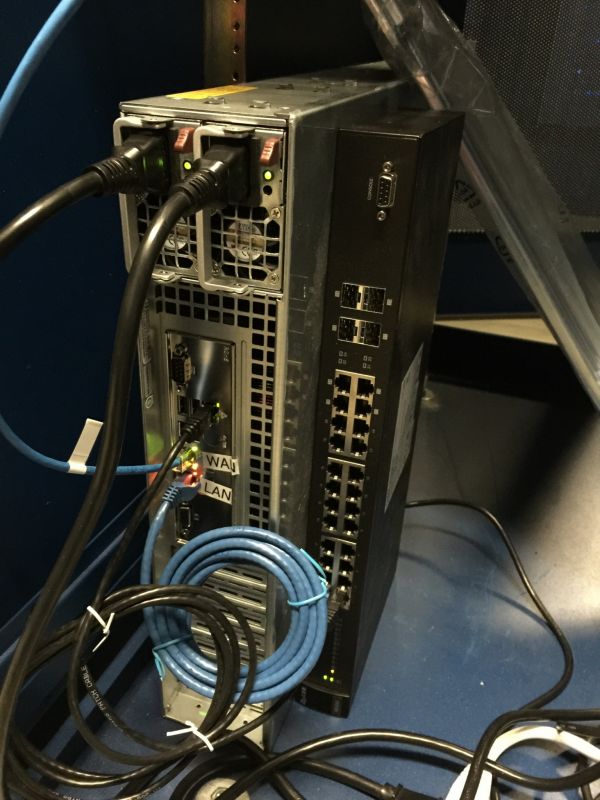
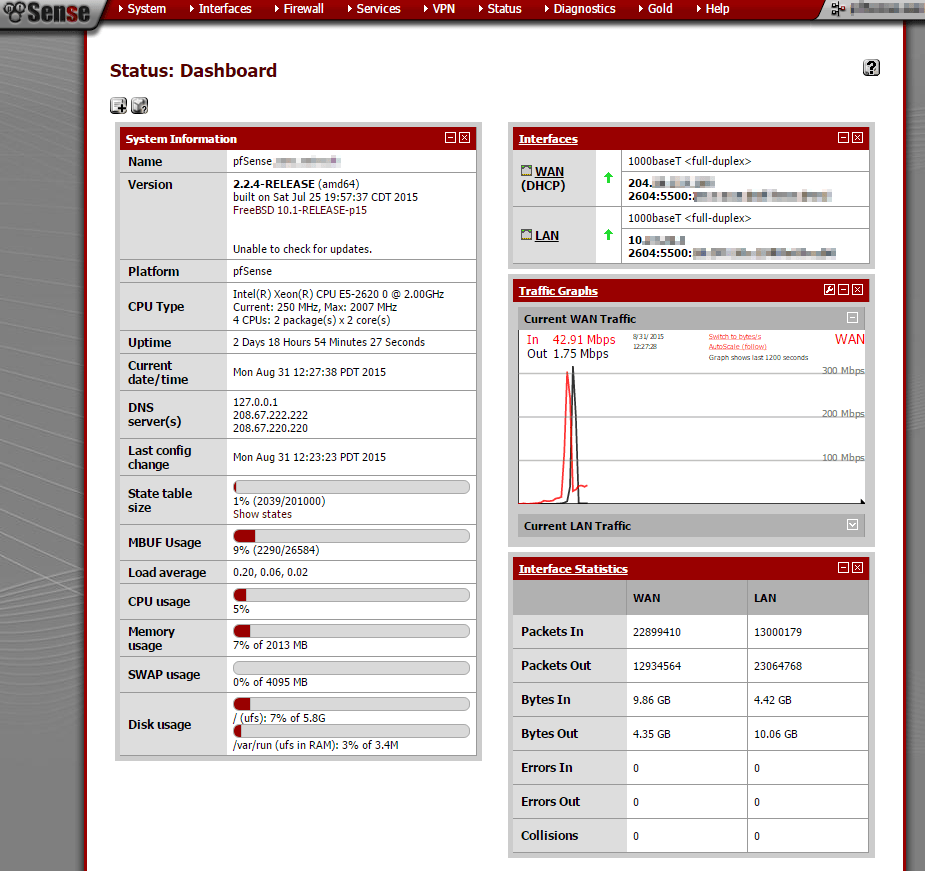
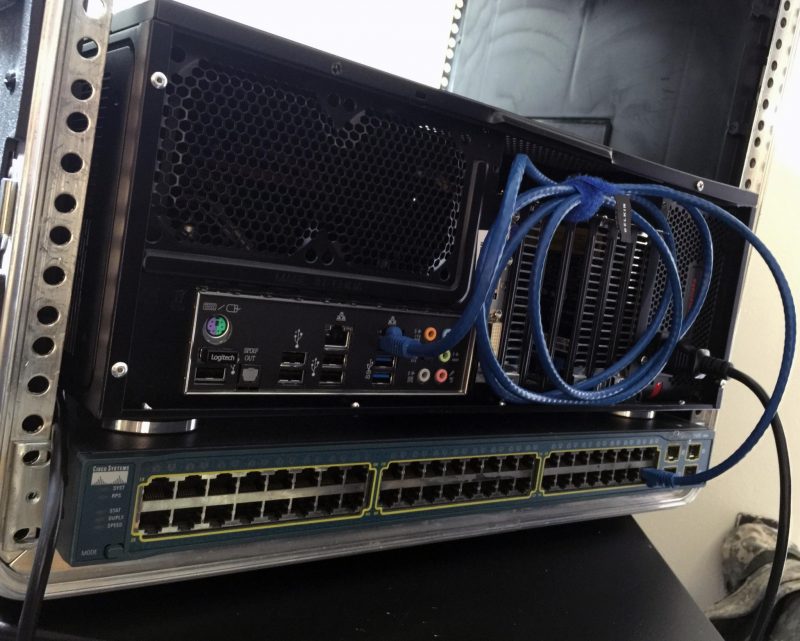 I will note that this is the setup I use in my home network, which doubles as my homelab. Having a VM for a firewall gives me a lot of flexibility, like adding an entirely separate vSwitched network for experimental VMs. I can also swap out the firewall VM for another one with next to no downtime. It also allows me to skip one more piece of hardware at home which would add to my otherwise hefty powerbill.