Set Nemo as Default File Manager in Ubuntu
Nemo is a file manager application developed by Linux Mint team. It is a fork of Nautilus, the GNOME’s file manager. In the beginning, Nemo was just Nautilus 3.4 (Nautilus version which is forked to become Nemo) with different name.
With rapid development and improvement, Nemo now become a full-featured file manager with lots of features, more customizable, and looks beter (in my opinion) than its original (Nautilus).
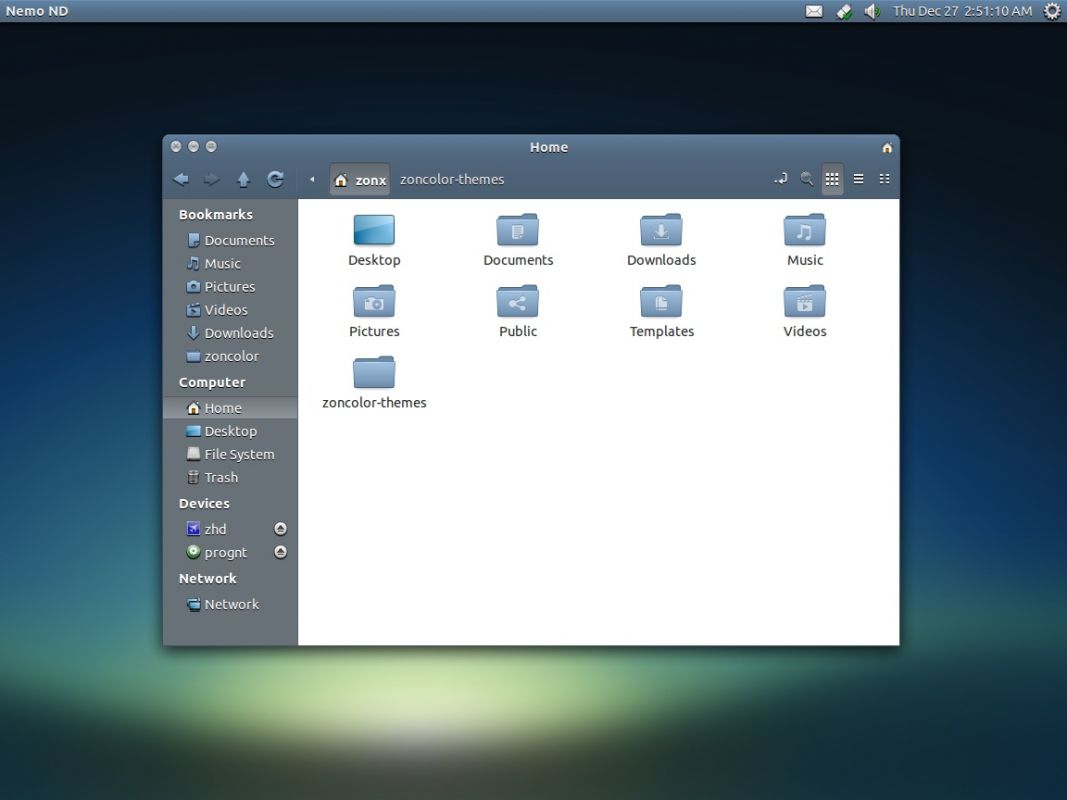
Nemo is the default file manager in Linux Mint, to handle folder and also handle the desktop. You can also easily install Nemo in Ubuntu if you want which is just apt-get away using a PPA (read more: How to install Nemo in Ubuntu),
When you install Nemo in Ubuntu, it doesn’t set itself as the default file manager, Nautilus remains as the default one. If you want to integrate Nemo into Ubuntu system (as the default folder handler), you have to do it manually.
Here I want to share simple command to set Nemo as the default file manager in Ubuntu.
We will invoke the xdg-mime command from freedesktop.org, which is standard command and installed by default in most Linux distribution including Ubuntu. It can be use to set an application (*.desktop file) as the default file opening a certain file type(s) (mime-type). You can also use it to find out what application on your system to handle type(s) of file. Lire la suite…