MySQL Performance Tuning Scripts and Know-How

MySQL Performance Tuning
This post is a « best-of » compilation of the tricks and scripts I have found to be the most effective over the past decade. I’d like to write a 50 page article but am limiting this to 1 page.
For anyone serious about High Performance MySQL, I would highly highly recommend the fantastic book: « High Performance MySQL: Optimization, Backups, Replication, and more » – O’Reilly. I have spent many hours poring over it’s wisdom-filled pages and gaining much practical know-how.
MySQL Server Software
Each new MySQL server release contains ENORMOUS performance enhancements over previous versions. That is the absolute very first thing you should do: Upgrade your MySQL Server and Client libraries and keep them updated.
There are several « flavors » of MySQL believe it or not.. Most people use the stock MySQL Server. I, along with WikiPedia, Arch-Linux, and others, use MariaDB. MariaDB is a greatly enhanced 100% compatible replacement for the stock MySQL Server. It is based on the excellent work by the Percona project. The percona flavor of MySQL is the other truly improved version of MySQL to consider. I personally have spent a couple years using Percona, then I upgraded from Percona to MariaDB (which has a lot of Percona juju built in) and am no longer thinking about which version to go with. MariaDB is the bomb-diggity.
MySQL Engine
InnoDB not MyISAM. InnoDB may be surpassed by in-development engines like TokuDB. I ONLY use InnoDB, for everything.
Types of MySQL Servers to optimize
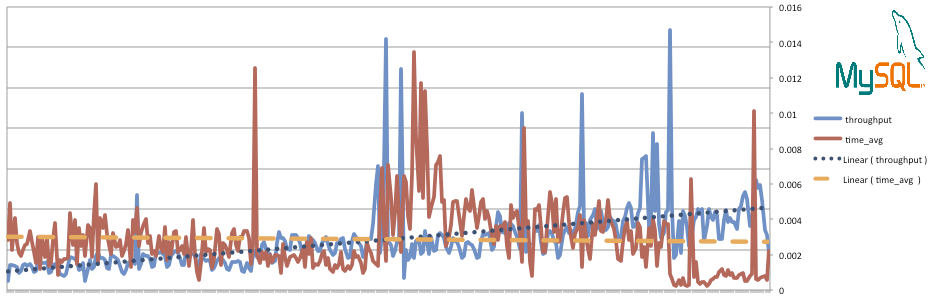
Seriously? Optimize EVERYTHING! The screenshots below are actual from one of my live servers. That server used to be 8GB RAM, but now as you may see in the screenshots, it is now only 2GB of RAM. I was able to save some serious $$$ by optimizing my server, without sacrificing speed… In fact I gained some speed in many instances.
I’ve used these optimization techniques on monster servers with 32GB of ram and many slaves, and also on a machine with 1GB of ram (running arch-linux).