13 Apache Web Server Security and Hardening Tips
 We all are very familiar with Apache web server, it is a very popular web server to host your web files or your website on the web. Here are some links which can help you to configure Apache web server on your Linux box.
Here in this tutorial, I’ll cover some main tips to secure your web server. Before you apply these changes in your web server, you should have some basics of the Apache server.
- Document root Directory:
/var/www/htmlor/var/www - Main Configuration file:
/etc/httpd/conf/httpd.conf(RHEL/CentOS/Fedora) and/etc/apache/apache2.conf(Debian/Ubuntu). - Default HTTP Port: 80 TCP
- Default HTTPS Port: 443 TCP
- Test your Configuration file settings and syntax:
httpd -t - Access Log files of Web Server:
/var/log/httpd/access_log - Error Log files of Web Server:
/var/log/httpd/error_log
1. How to hide Apache Version and OS Identity from Errors
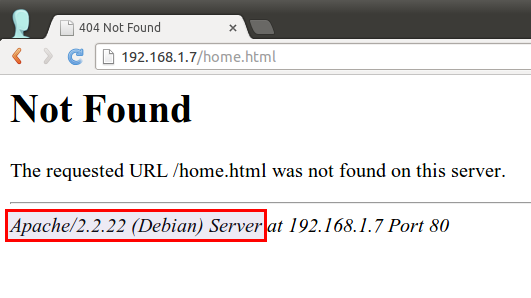
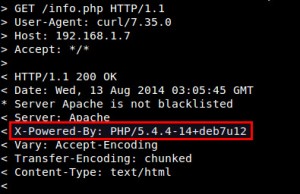
When you install Apache with source or any other package installers like yum, it displays the version of your Apache web server installed on your server with the Operating system name of your server in Errors. It also shows the information about Apache modules installed in your server.

Show-Apache-Version
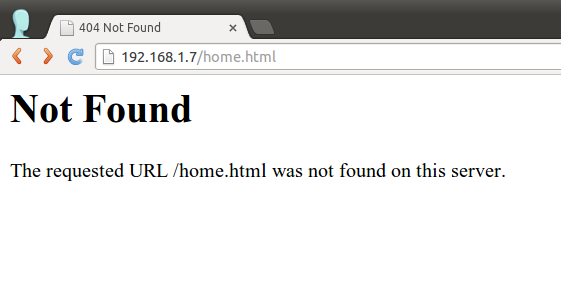
In above picture, you can see that Apache is showing its version with the OS installed in your server. This can be a major security threat to your web server as well as your Linux box too. To prevent Apache to not to display these information to the world, we need to make some changes in Apache main configuration file.
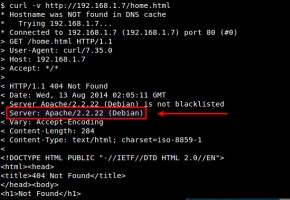
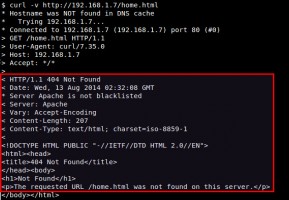
Open configuration file with vim editor and search for “ServerSignature“, its by default On. We need to Off these server signature and the second line “ServerTokens Prod” tells Apache to return only Apache as product in the server response header on the every page request, It suppress the OS, major and minor version info.
# vim /etc/httpd/conf/httpd.conf (RHEL/CentOS/Fedora)
# vim /etc/apache/apache2.conf (Debian/Ubuntu)
ServerSignature Off
ServerTokens Prod
# service httpd restart (RHEL/CentOS/Fedora)
# service apache2 restart (Debian/Ubuntu)
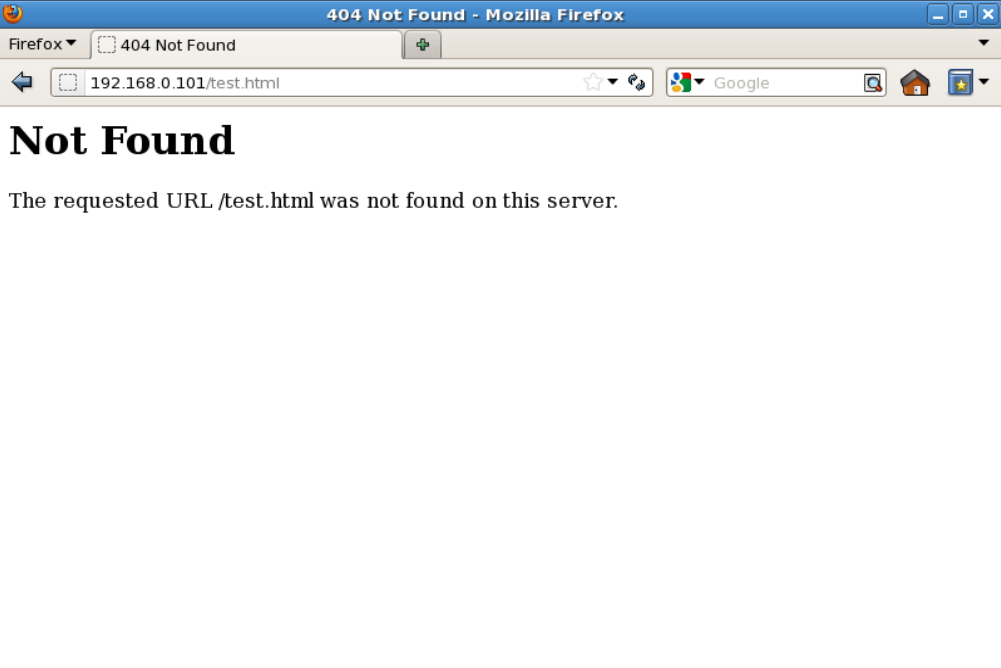
2. Disable Directory Listing
By default Apache list all the content of Document root directory in the absence of index file. Please see the image below.

Apache-Directory-Listing
Options directive in configuration file for a specific directory. For that we need to make an entry in httpd.conf or apache2.conf file.<Directory /var/www/html>
Options -Indexes
</Directory>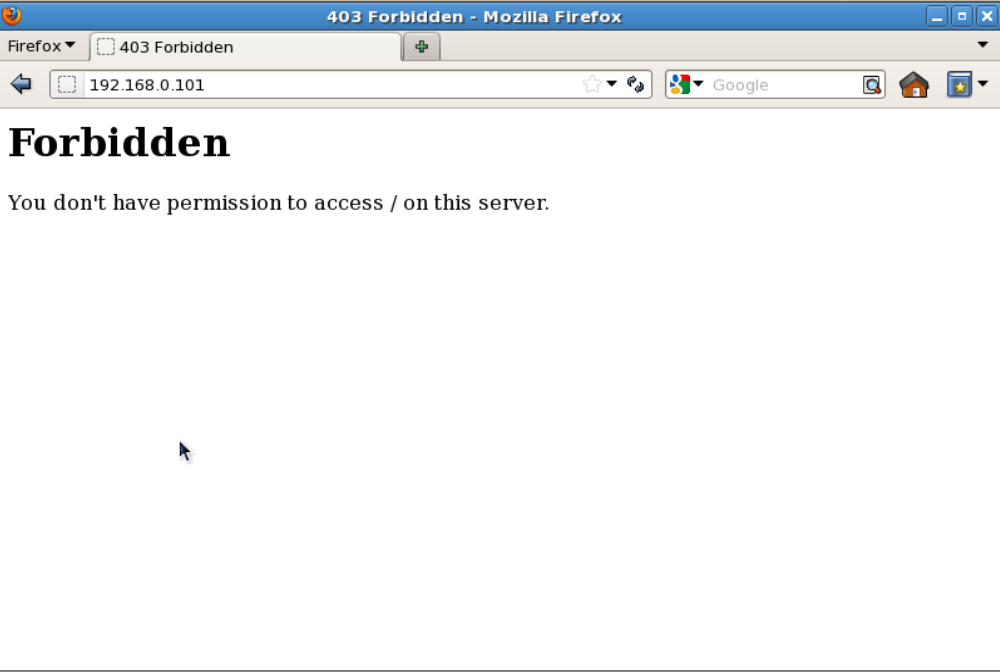
Hide-Apache-Directory-Listing